White-label technology for MSPs.
White-label & resale for MSPs
WebRTC / browser VoIP client

Your voice service.
Open in a browser.

Bring browser calling into your own branded portfolio. WebDialDirect is our WebRTC and browser VoIP client, connecting a supported browser and headset to a compatible phone service.

Your brand · Browser callingConcept view
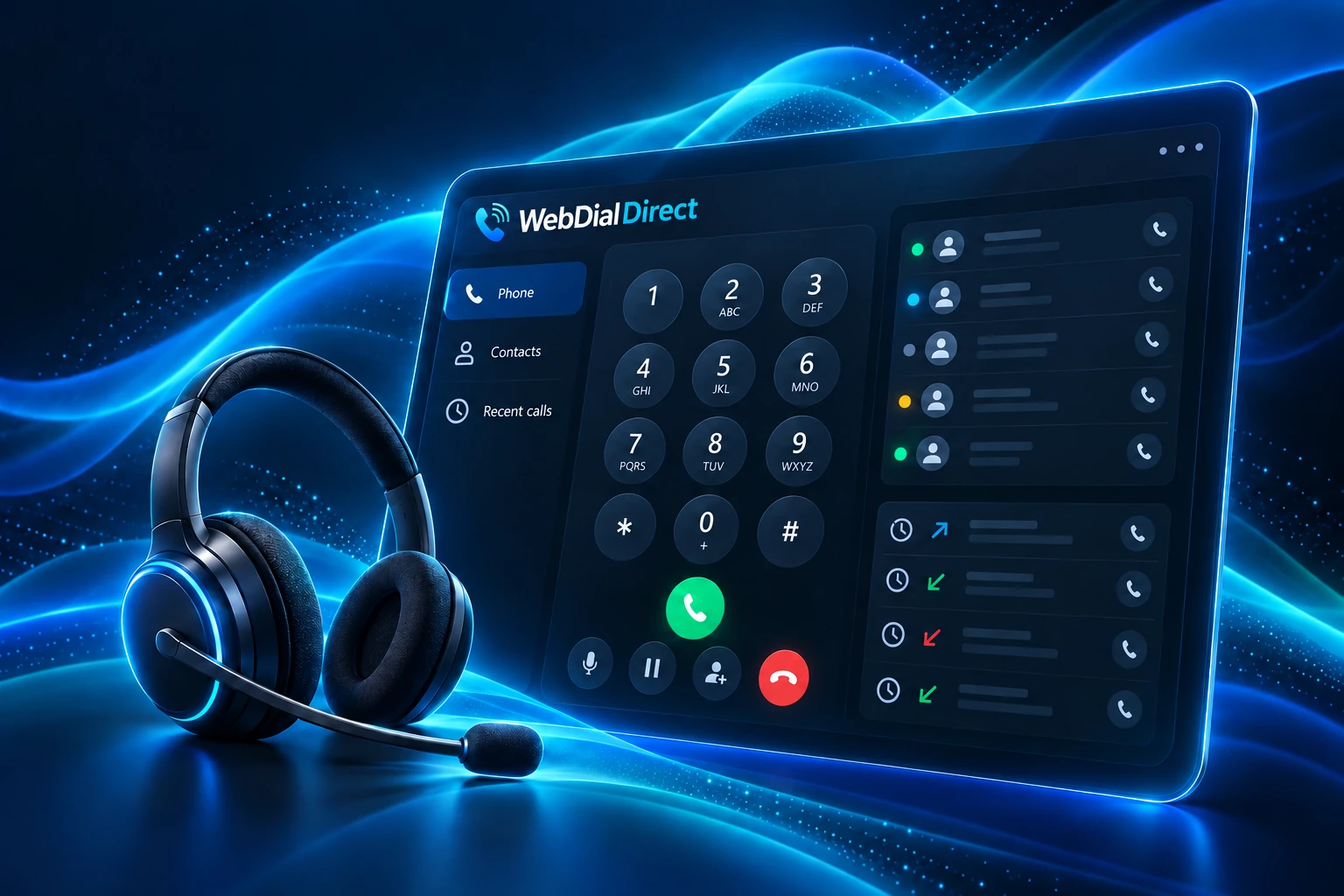
Concept illustration of a browser softphone with dial pad and contact panels in cyan
The calling setup
A supported browser
A headset & microphone
A compatible VoIP service

Connection, permissions and compatibility are reviewed during onboarding.

A browser client.
A place in your portfolio.

Not every role needs another physical handset. For a colleague moving between desks, working from an approved remote location or handling calls on a computer, browser calling can simplify the workspace. WebDialDirect is the browser-based part of the DirectGroup communications family. We configure it around the underlying telephone platform, user accounts and network, so the experience fits your wider call-routing plan. It is especially useful alongside OneCallDirect, where reception, desk phones and browser users can share an organised extension structure rather than creating disconnected ways to call.

01

Make and receive calls in a browser

Use a compatible supported desktop browser to place and answer calls through your business extension. A suitable headset, microphone permission and a reliable connection help create a comfortable calling experience without relying on a dedicated desk phone.

02

Keep a professional calling identity

Connect browser users to the telephone numbers and extension settings agreed for your service. Colleagues can remain reachable through the organisation’s call plan, and outbound identity can be configured to suit the team or role.

03

Work with the wider phone system

WebDial is configured as part of the supported telephone environment. Ring groups, voicemail destinations and department routing remain part of a coherent design, helping browser users fit alongside reception phones and other supported endpoints.

04

Useful everyday call controls

We help users get comfortable with the call controls supported by their platform and assigned permissions. This can include answering, dialling, holding and transferring, with guidance focused on the tasks the team actually performs.

05

A workspace suited to different roles

Browser calling can suit hot desks, administrative teams and approved remote working. We review whether a browser, physical handset or combination is the most practical choice, considering call volumes, working habits and the equipment available.

06

Headsets and audio readiness

Good audio starts with the right setup. We help review headset selection, microphone access, browser permissions and computer audio settings, then check that the chosen arrangement supports the way your users need to take calls.

07

Connectivity and secure access

Browser telephony needs a supported HTTPS service, compatible browser and suitable network access. We review account access, microphone permissions and relevant connection requirements with your IT team, helping reduce avoidable setup and audio problems.

08

Setup, user guidance and support

We coordinate account configuration, initial testing and practical guidance for your users. Ongoing support can help investigate browser, headset, account and connection issues, with telephone-system changes handled through the wider service.

From scope to rollout

Check. Connect. Introduce.

  1. 01

    Choose the right roles

    We identify who will benefit from browser calling and review the telephone platform, equipment and locations involved.

  2. 02

    Prepare the environment

    Accounts, supported browsers, HTTPS access, microphone permissions, headsets and network requirements are checked before users rely on the service.

  3. 03

    Connect and test

    We configure the supported setup and check calling, audio and the agreed routes between browser users and the wider system.

  4. 04

    Guide and support

    Your team receives practical guidance, with a route for help when account, browser, audio or telephone-system issues arise.

Your partner proposition

Bring browser calling to your customers.

01

Extend your voice offering

Add a browser client to a compatible phone service, helping customers choose calling tools that fit the way their users work.

02

Support flexible workspaces

Plan browser access, headsets and user guidance for customers whose people work across different desks or locations.

03

Present a branded calling experience

Agree the white-label scope and onboarding process so WebDialDirect fits the voice service your MSP sells and supports.

WebDialDirect / partner questions

The details
behind the service.

Talk to sales about your customers, branding and delivery model.

Contact sales
How does this fit our MSP brand?

WebDialDirect is available for white-labelling and resale. We agree the customer-facing branding, onboarding, responsibilities and technical escalation for your selected service before rollout.

Do we need OneCallDirect to use WebDial?

WebDial needs a compatible supported telephone platform and user configuration. It is designed to work within the DirectGroup communications service; we review your existing arrangement and confirm the available integration before recommending a deployment.

What equipment and browser do users need?

Users need a supported desktop browser, access to the HTTPS calling service, microphone permission, suitable audio equipment and a reliable network connection. We confirm the supported setup and recommend a headset appropriate to the person’s role and environment.

Can it replace every physical phone?

That depends on how people work. Browser calling can suit many computer-based roles, while reception, shared spaces or specialist requirements may be better served by a physical handset. We help choose a practical mix instead of assuming one device suits everyone.

What should remote users know about emergency calls?

Emergency arrangements must reflect the user’s location and the telephone service configuration. We review those requirements during setup and help you communicate the agreed process. Staff should understand the calling identity and location information associated with their account.
Let’s build your next offering

Make WebDialDirect
part of your portfolio.

Let’s agree the branding, customer onboarding and support responsibilities around your MSP offering.

Contact sales